Built-in browser
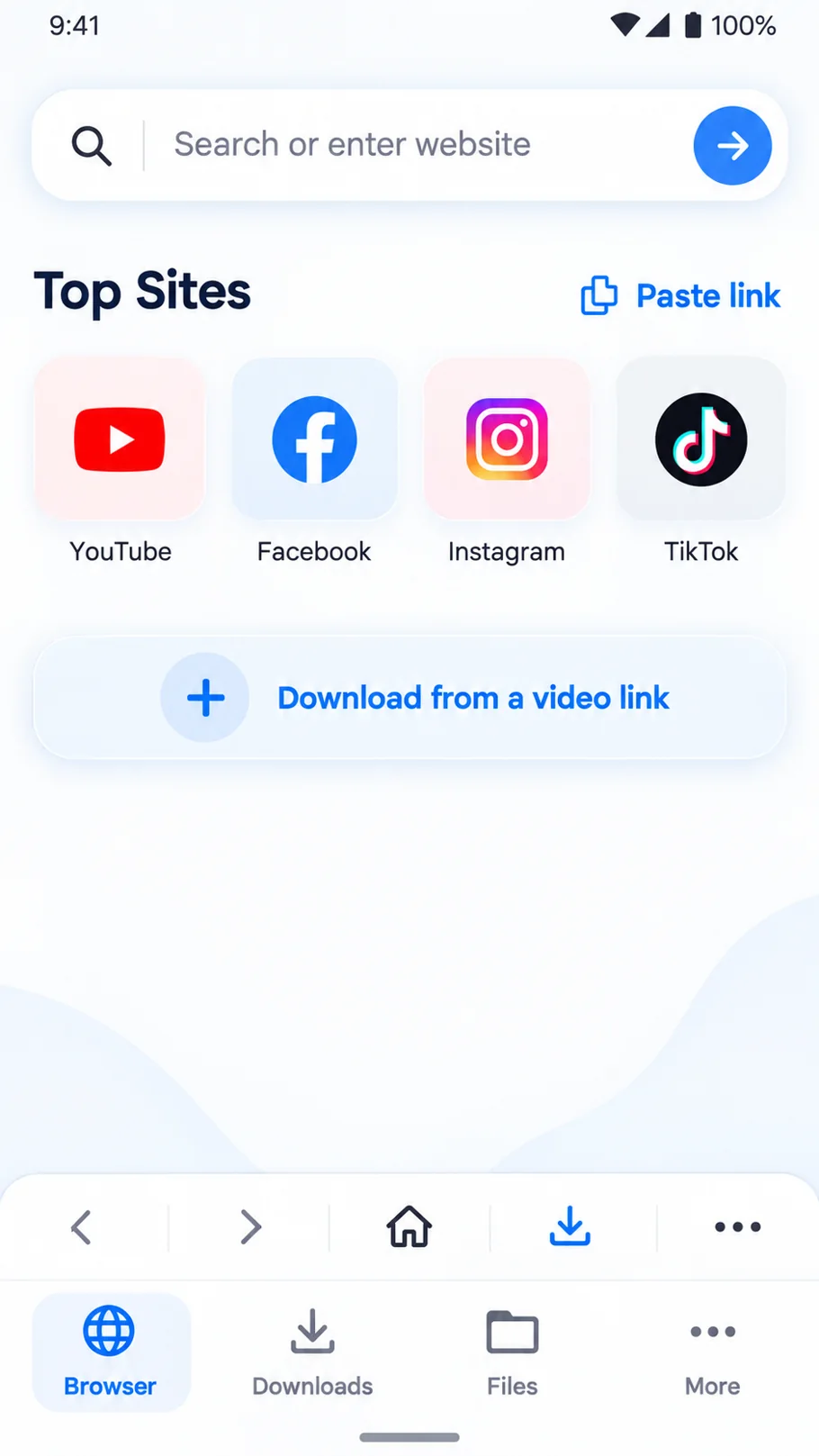
Find and explore websites through the app’s clean browser screen.
Browse with ease ↗Browse your favorite sites, save videos you’re permitted to download, keep your files organized, and enjoy smooth playback — all with Vidlora’s familiar blue-and-lavender design.
From discovering a video to managing your downloaded files, Vidlora keeps the experience simple.
Find and explore websites through the app’s clean browser screen.
Browse with ease ↗A simple download-from-link workflow for supported, permitted content.
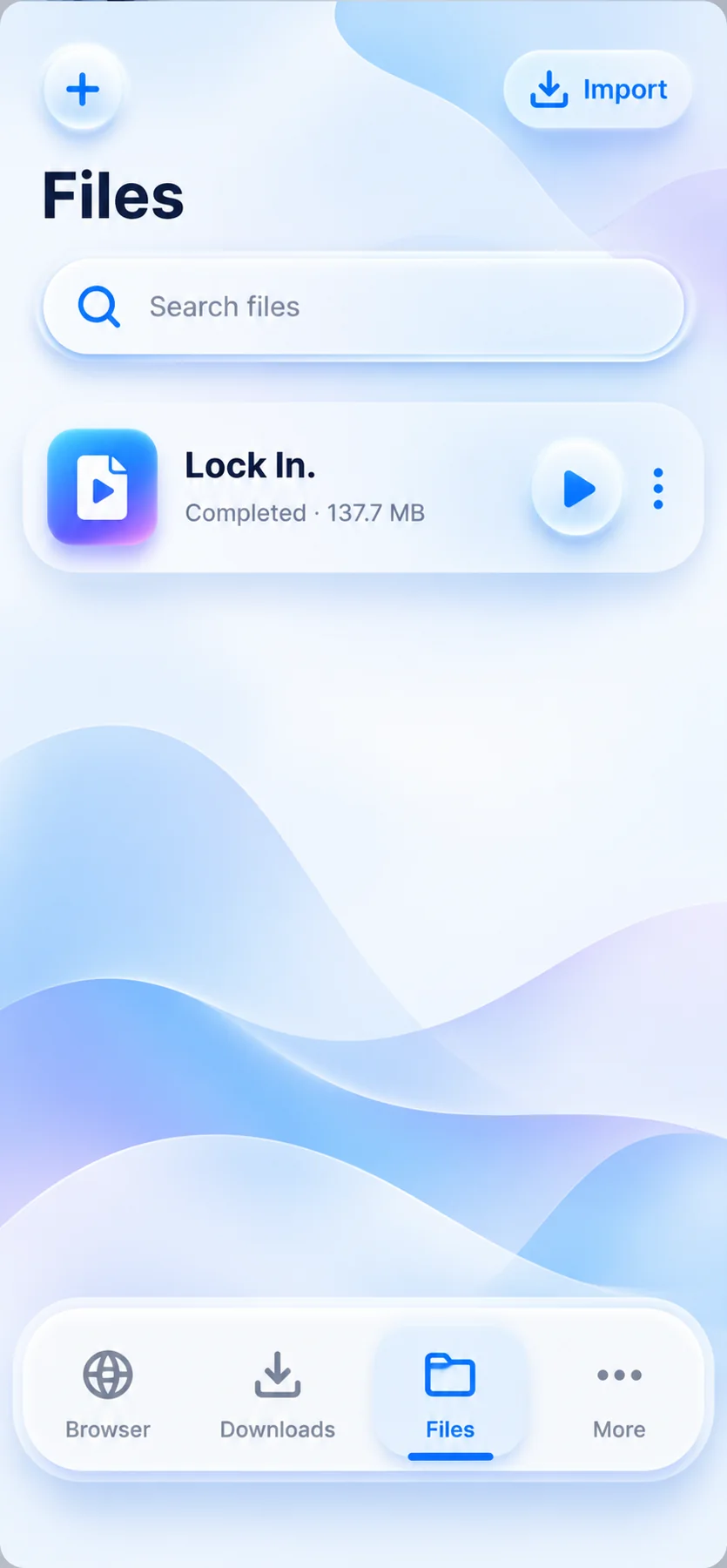
Save what matters ↗Find your downloads and manage saved videos from the files library.
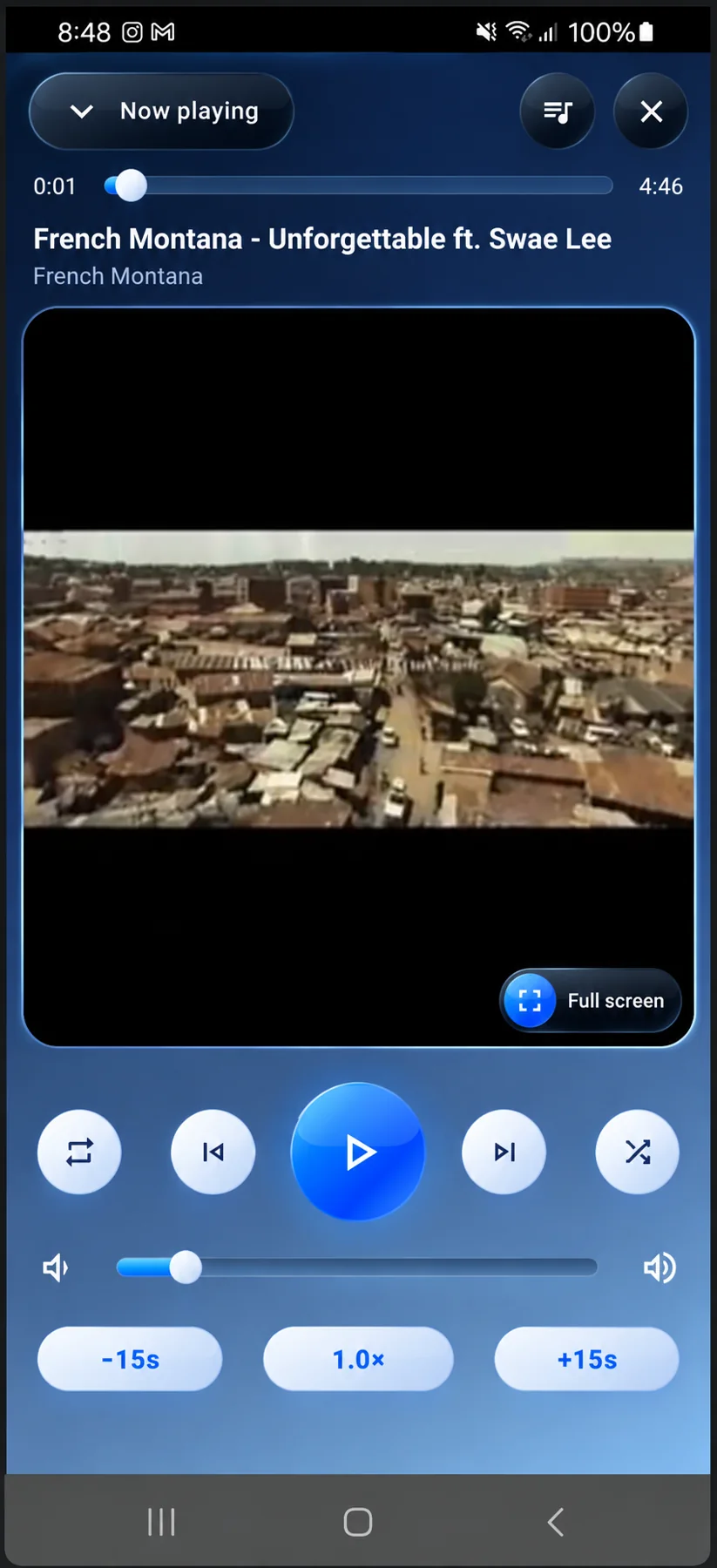
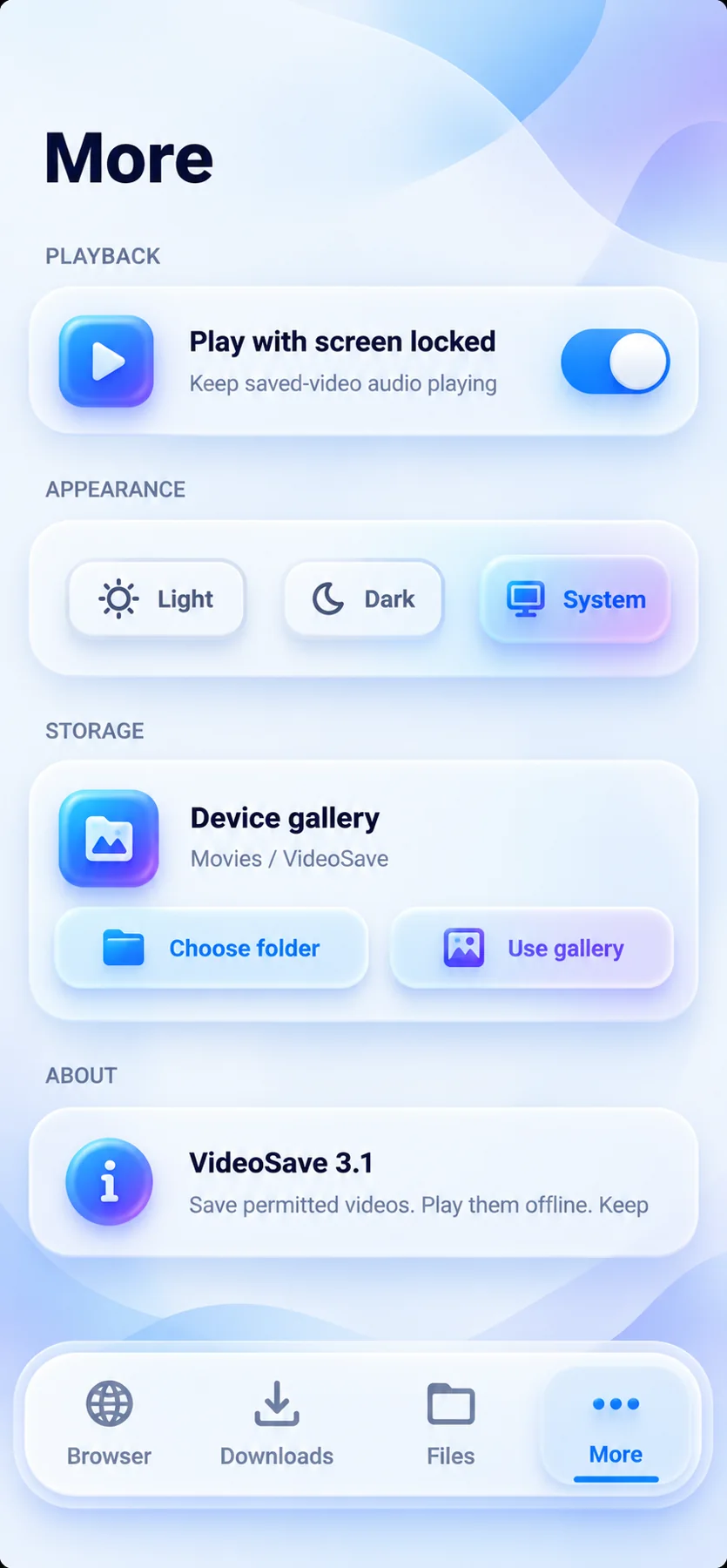
All in one place ↗Enjoy a full-screen player, playback controls, and settings for your experience.
Press play ↗These screens come from the app images you shared — no invented interface mockups.
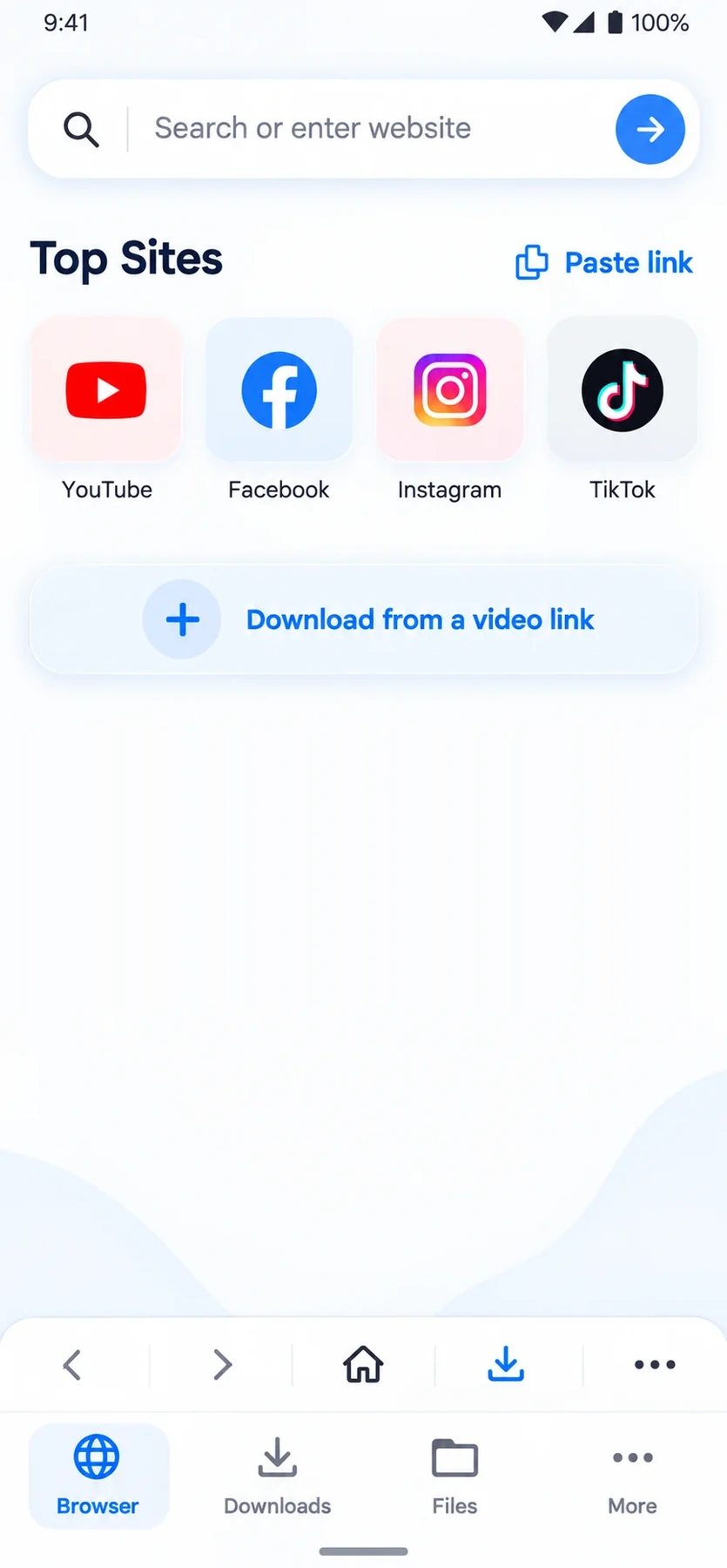
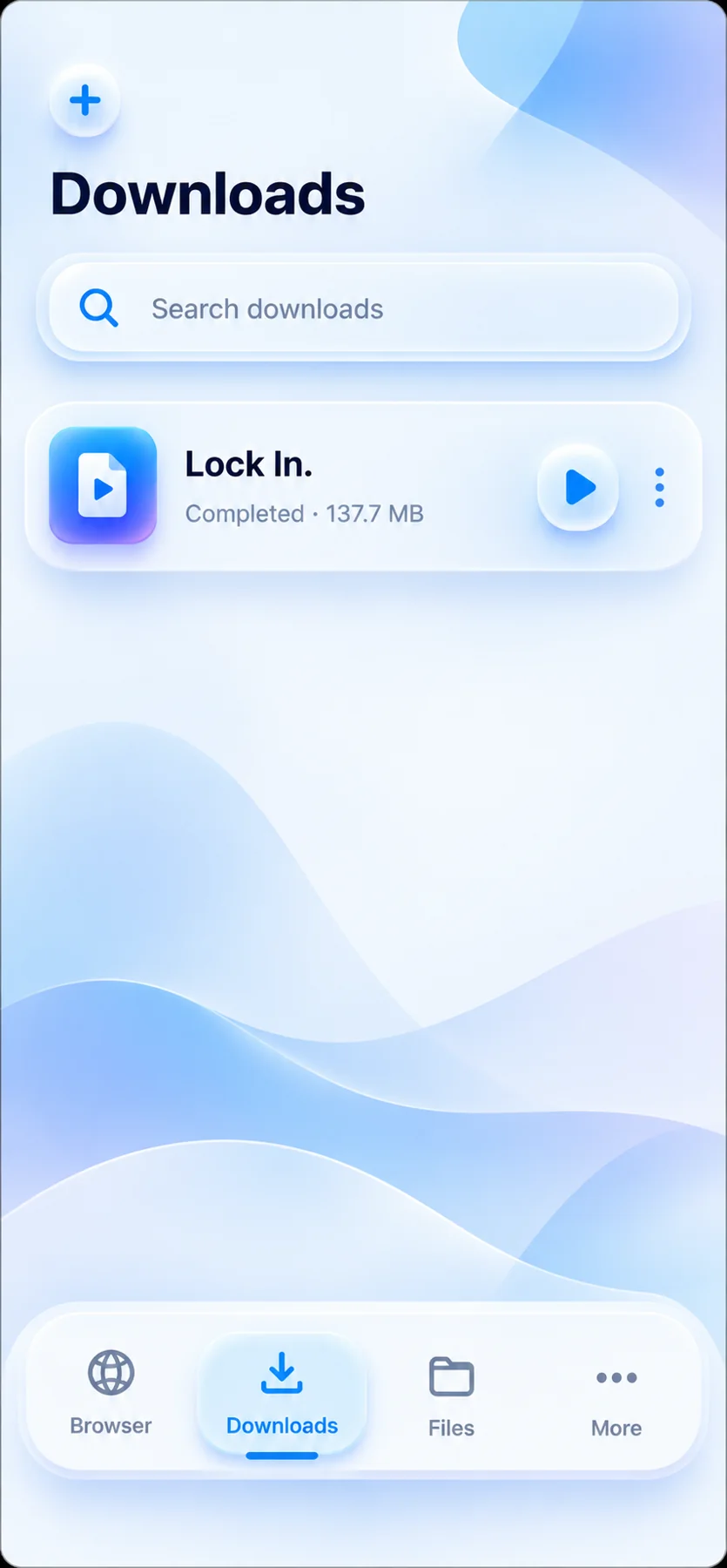
Screens are based on the app visuals supplied by the developer. Displayed media is illustrative; features depend on the installed app version.
Get to know the workflow Vidlora is built around.
Get the Android appExplore sites inside the app or paste a link to media you’re allowed to save.
Use the app’s available download options for content that permits downloading.
Open the Downloads or Files area and enjoy your saved media.
Get Vidlora for Android. Choose Google Play when available, or the developer’s official APK download if one is provided.
Only install APK files from sources you trust. Download media only when you have permission.
Everything you need before you install.
Vidlora is an Android app with a built-in browser, download management, files, media playback, and appearance settings.
This website introduces the Android app. It is not an online video-downloading service. You can get the app from the links above once the developer adds them.
If the developer offers a signed APK, download it on your Android phone, open the file, and follow Android’s installation prompts. Your device may ask permission to install apps from that source. Prefer Google Play whenever available.
No. Available download options depend on the source and the app. Only save content you own or have permission to download, following the rules of the content platform.